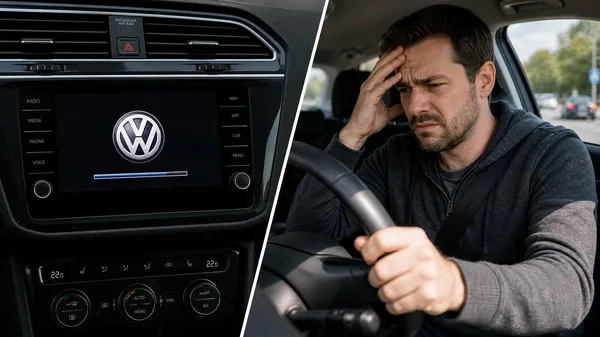

1. Identify the Type of Reset
Before troubleshooting, it’s important to understand what kind of reset is happening.
Soft Reset:
•The screen goes black for a few seconds, then the VW logo appears, and the system reboots.
•This is usually a software issue.
Hard Reset:
•The entire system shuts down completely, and you lose all power to the radio.
•This is often a power supply or electrical connection problem.
Understanding which type you’re experiencing will help narrow down the cause.
2. Check Your Battery Connections
A loose or corroded battery connection is one of the most common culprits behind random system resets.
How to check:
•Open your hood and locate the car battery.
•Inspect the positive and negative terminals for corrosion (white, blue, or green crusty buildup).
•Ensure both terminal connections are tight. Use a wrench to tighten if needed.
•If you see corrosion, disconnect the terminals and clean them with a battery terminal cleaner and a wire brush.
•Reconnect the terminals firmly and test your radio.
3. Inspect the Radio’s Power Supply
The radio might be receiving inconsistent power due to a faulty power cable or connector.
What to do:
•Turn off the ignition and remove the key.
•Carefully remove the radio unit from the dashboard (see VWCODES.com for model-specific removal guides).
•Locate the main power connector (usually a large multi-pin connector at the back).
•Unplug it, inspect for corrosion or damage, and firmly reseat it.
•Check the ground wire connection as well—a poor ground can cause erratic behavior.
•Reinstall the radio and test.
4. Update Your Radio’s Firmware
Outdated or corrupted firmware can cause the system to reset unexpectedly. Manufacturers often release updates to fix bugs and improve stability.
How to update:
•Connect to the VW software update portal or visit a dealership.
•Check if there are any available firmware updates for your specific radio model.
•Follow the installation instructions carefully. Do not interrupt the update process, as this can brick your radio.
•After the update completes, test whether the resets have stopped.
5. Check for Overheating
Excessive heat can cause the radio’s internal components to malfunction, triggering protective shutdowns and resets.
Quick fix:
•Ensure your car’s ventilation system is working properly.
•Avoid placing objects on or near the dashboard that could block airflow to the radio.
•In hot weather, park in the shade when possible.
•If resets only happen on very hot days, overheating is likely the issue. Consider professional diagnostics or replacement.
6. Professional Diagnosis
If the above steps don’t resolve the issue, the radio may have a hardware defect that requires professional repair or replacement.
Next steps:
•Visit a VW dealership or professional car audio technician.
•They can perform advanced diagnostics to identify the exact cause.
•For guidance on compatible replacement options, visit VWCODES.com.
Conclusion
A constantly resetting VW radio is usually fixable by checking power connections, updating firmware, and ensuring proper cooling. By systematically working through these troubleshooting steps, you can often restore stability to your system. For all your Volkswagen radio support needs, VWCODES.com is here to help.