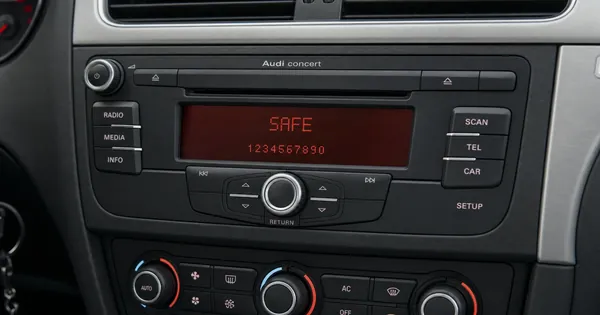
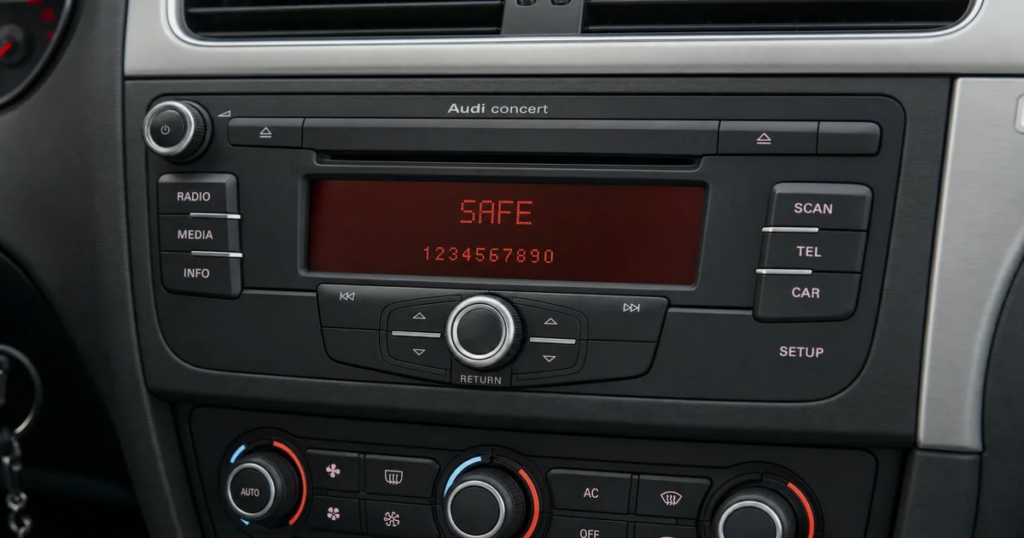
Is your Audi radio locked, displaying “SAFE” or asking for a code, but you dread the thought of pulling out the unit? Many Audi owners face this dilemma, fearing damage to their dashboard or a costly trip to the mechanic. The good news is, for many Audi models, you can often retrieve the radio’s serial number—a crucial piece of information for obtaining your unlock code—without ever needing to remove the radio from its slot.
This guide will walk you through the common methods to find your Audi radio serial number without removal, saving you time, effort, and potential headaches. Knowing this number is the first step towards getting your Audi radio unlock code and enjoying your music again.
Why You Need the Serial Number
The serial number is a unique identifier for your Audi radio. It’s like a fingerprint that links your specific unit to its corresponding unlock code in the manufacturer’s database. Without this number, it’s impossible to generate the correct code needed to reactivate your radio after a power loss, battery change, or security lock.
For Audi vehicles, the serial number typically starts with “AUZ” followed by a series of digits and letters (e.g., AUZ1Z3A1234567). This format is consistent across various Audi radio models, including Concert, Symphony, Chorus, and Navigation Plus systems.
Method 1: Displaying the Serial Number on the Radio Screen
Many Audi radio models have a hidden menu or diagnostic mode that can display the serial number directly on the screen. This is by far the easiest method if your radio supports it.
Common steps for various Audi models (Concert, Symphony, Chorus, Navigation Plus):
1.Turn on the radio. Ensure it’s displaying “SAFE” or asking for the code.
2.Press and hold the SCAN and RDS buttons simultaneously for a few seconds. On some models, this might be SCAN and BND (Band) or TP and RDS.
3.The display should change, often showing “SAFE 1” or a series of numbers. Continue holding the buttons.
4.After a few more seconds, the display might show the serial number. It usually scrolls across the screen or appears as a static string. Look for the “AUZ” prefix.
5.If this doesn’t work, try pressing and holding SETUP and SCAN or SETUP and MENU.
Note: The exact button combination can vary slightly depending on your specific Audi radio model and year. Consult your car’s owner’s manual for precise instructions if available.
Method 2: Checking the Glove Compartment or Service Book
While less common for the serial number itself, some Audi vehicles might have a sticker with radio information, including the serial number, in the glove compartment or on the inside of the fuse box cover. Additionally, your Audi service book or owner’s manual might contain a radio pass card with the serial number and even the original unlock code written down by the dealership.
Always check these locations first, as they can provide the code directly or the serial number without any interaction with the radio unit.
What if These Methods Don’t Work?
If you’ve tried the on-screen display methods and checked your vehicle’s documentation without success, it’s possible your specific Audi radio model requires removal to access the serial number sticker located on the unit’s casing. In such cases, professional radio removal keys are needed to safely extract the unit without damaging the dashboard.
However, before resorting to removal, ensure you’ve tried all possible button combinations for your specific radio model. Online forums dedicated to Audi vehicles can be a valuable resource for model-specific tips.
Getting Your Audi Radio Unlock Code
Once you have successfully retrieved your Audi radio serial number (e.g., AUZ1Z3A1234567), the next step is to obtain the unlock code. This is where VWCodes.com comes in. We specialize in providing genuine unlock codes for a wide range of VW, Audi, Skoda, and SEAT radios quickly and efficiently.
Simply visit VWCodes.com, enter your serial number into our system, and receive your unlock code. Don’t let a locked radio keep you from enjoying your drive. Get your code today and bring your Audi’s sound system back to life!